
Watch
Detects the specific events you choose across your camera network. It doesn't need a Safety & Security event first.
Use it for: liquid spills, weapons in public areas, vehicles in pedestrian zones.
Explore WatchWatch finds the events you name. Triage decides which Safety & Security events need an operator. Relay sends events to the people who aren't at the Livewall. Run one or all three on your existing cameras and VMS.
For sites with no internet access, run them on Antara Core
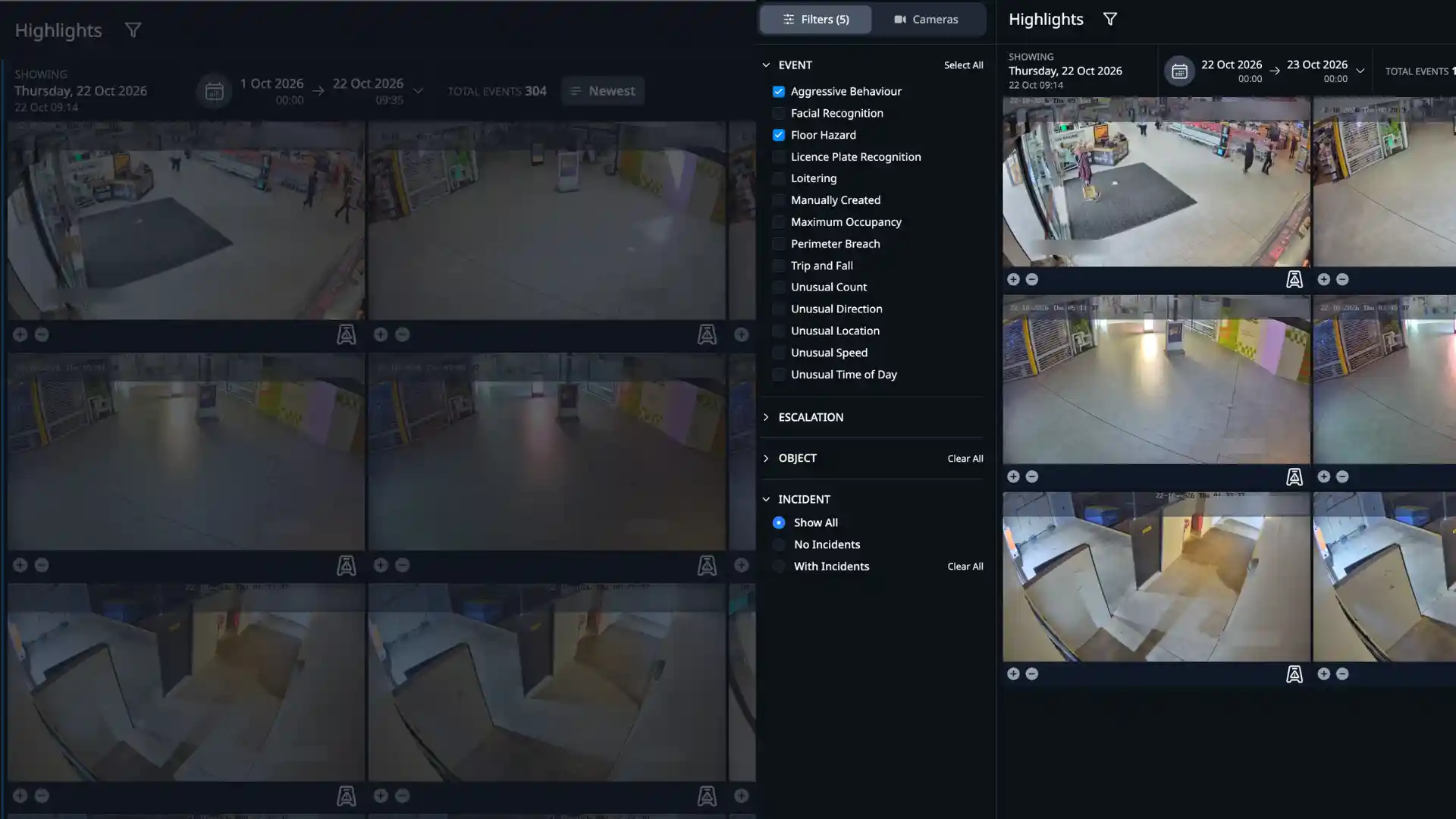
Most control rooms run more cameras than operators, so feeds go unwatched and response often starts when someone phones it in. Every site has its own risks too, and rule-based analytics need reconfiguring each time those risks change.
Name the events that matter to your site, such as a liquid spill, a weapon in a foyer or a vehicle in a pedestrian zone. Detections appear on the Livewall as they happen.

Triage reviews Safety & Security events against your criteria and escalates the ones that qualify, with a written explanation of why. It works separately from Watch detections.

Relay sends events out through webhooks with the event type, object, camera and severity attached. Route different severities to different teams. Webhooks are optional, set up by you, and send event details off-site.
Run one or all three. Every agent shows its events on the same Livewall as Safety & Security.
Detects the specific events you choose across your camera network. It doesn't need a Safety & Security event first.
Use it for: liquid spills, weapons in public areas, vehicles in pedestrian zones.
Explore WatchRuns targeted searches on Safety & Security events and escalates the ones that match your criteria.
Good to know: with Triage, one operator can monitor up to 2,000 cameras.
Explore TriageSends events in real time through webhooks, with the event type, object, camera and severity attached, so people away from the Livewall can act.
Use it for: sending fights to the response team, trip and fall events to health and safety, and events to guards on patrol.
Explore RelayDefine events for your own site's risks, with no specialist cameras.
Run the agents on Antara Core and keep detection, reporting and the Livewall inside your network.
Triage gives every Safety & Security event a second check, so fewer false alarms reach your team.
Every escalation comes with a written explanation, which saves time on shift reports.
icetana Safety and Security is the foundational product, complemented by a suite of AI-driven products.
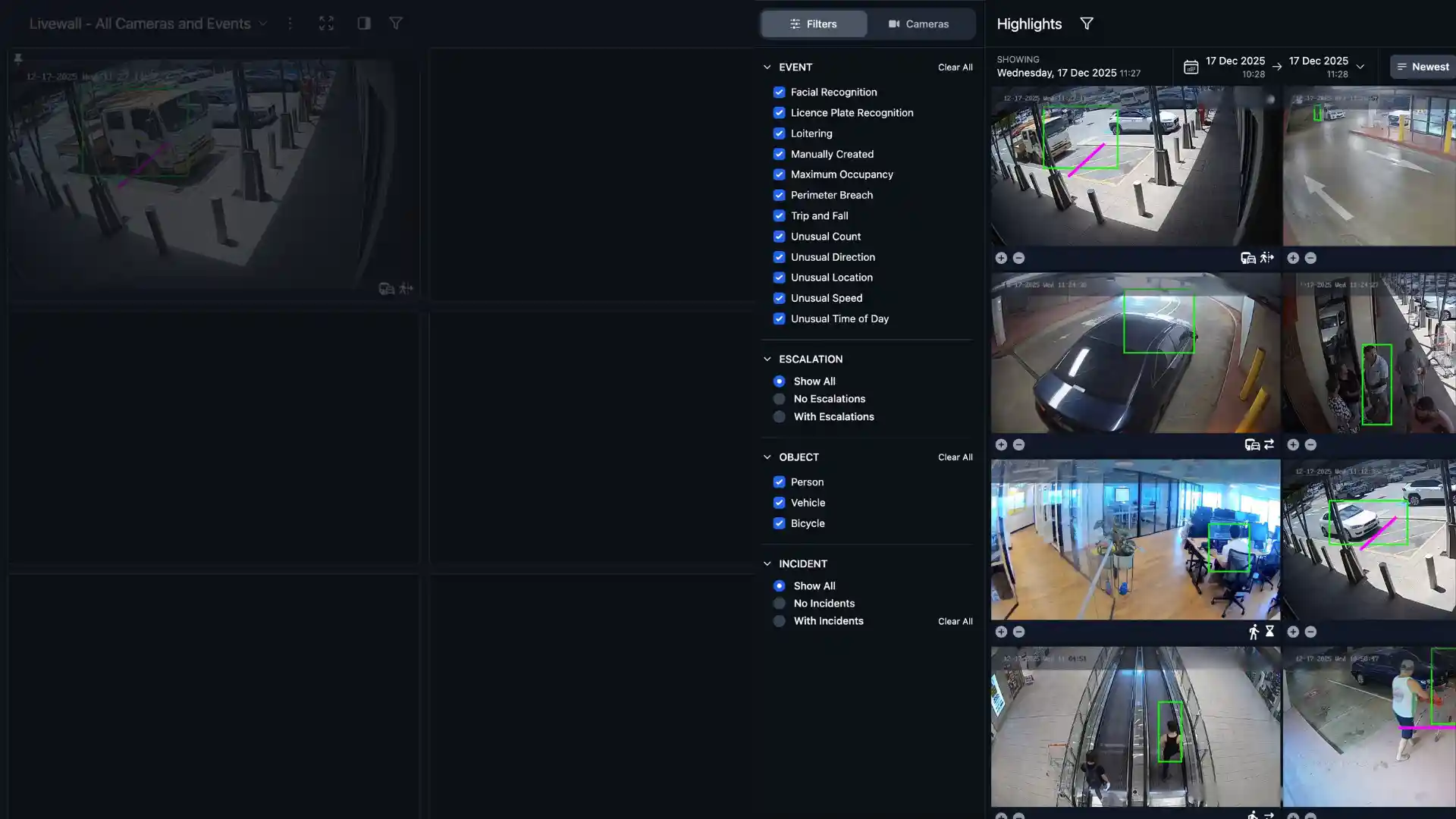
Enable security personnel to proactively recognise incidents as they happen with 24/7 real time surveillance.
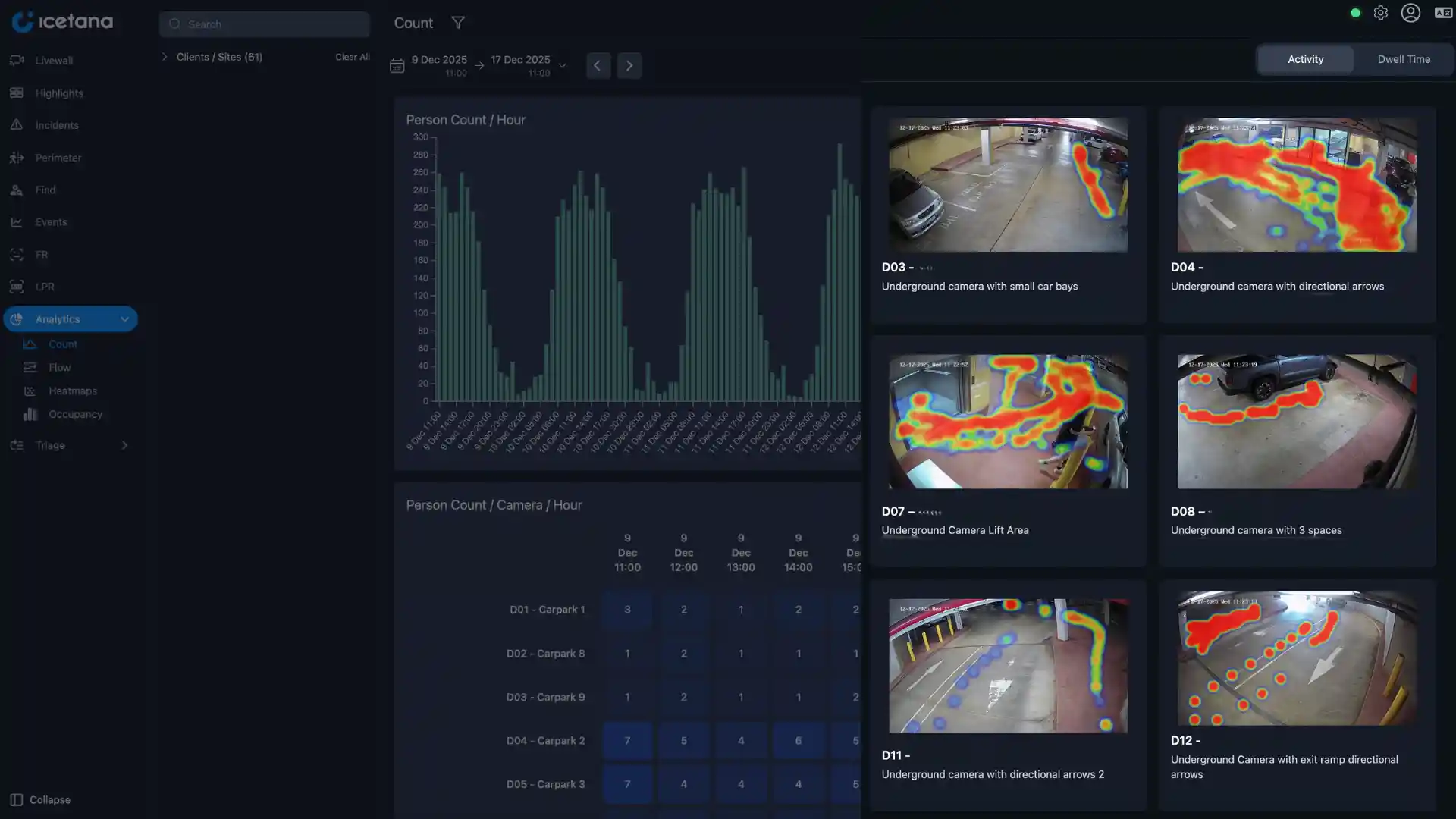
Transform surveillance data into actionable insights at scale.
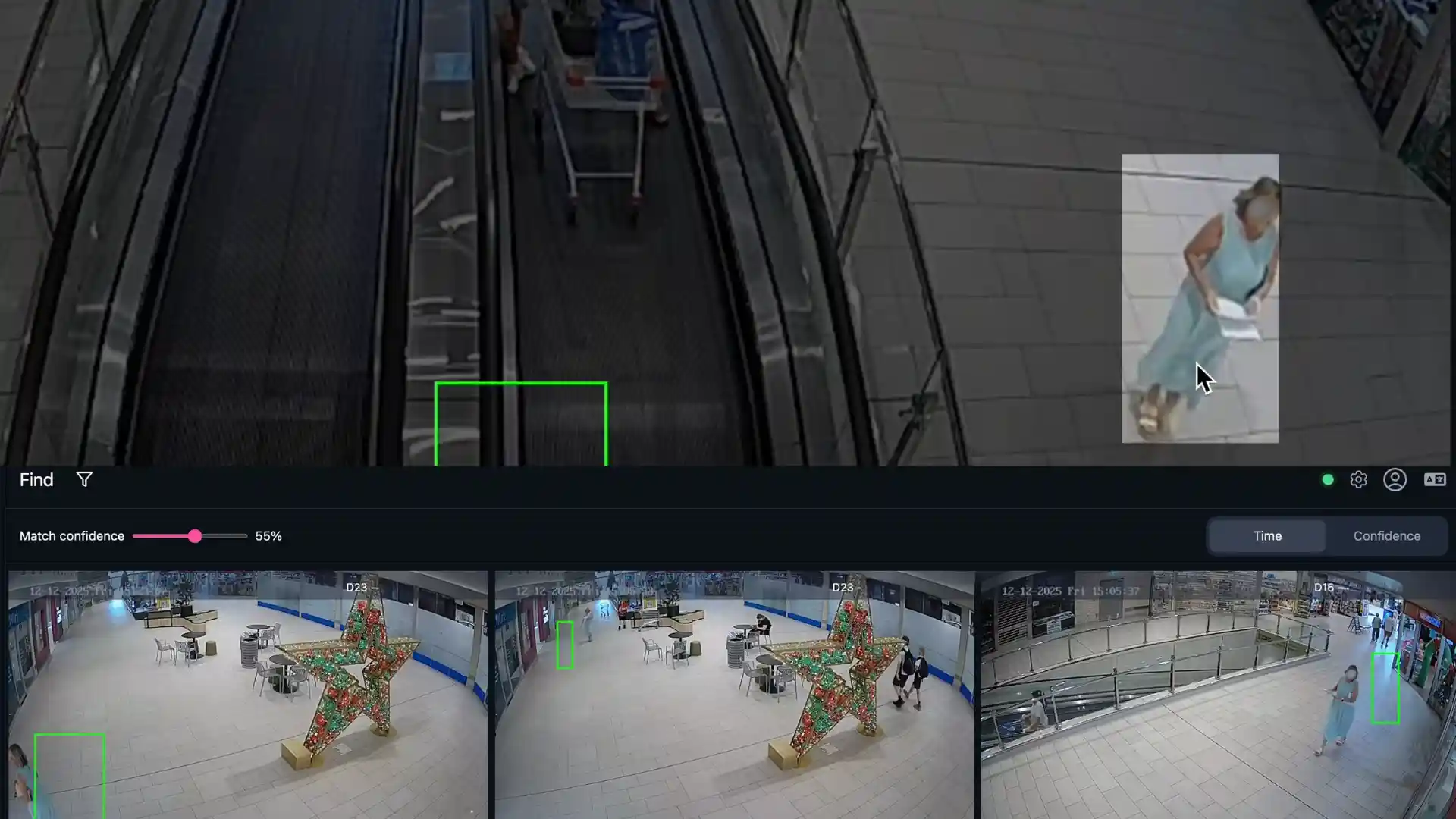
Find everywhere a person has been, matched on appearance, not faces.
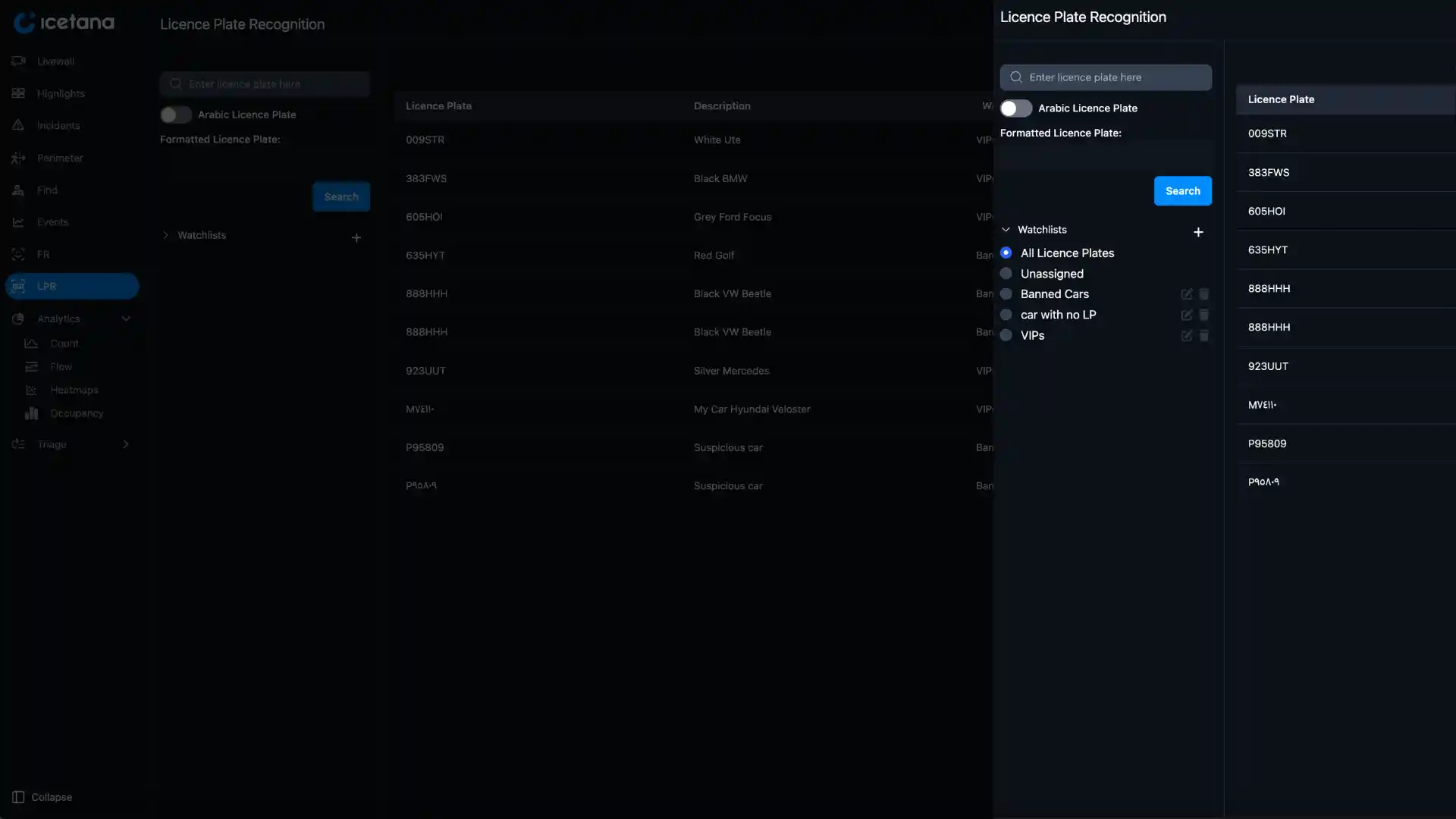
Detects licence plates in real time.
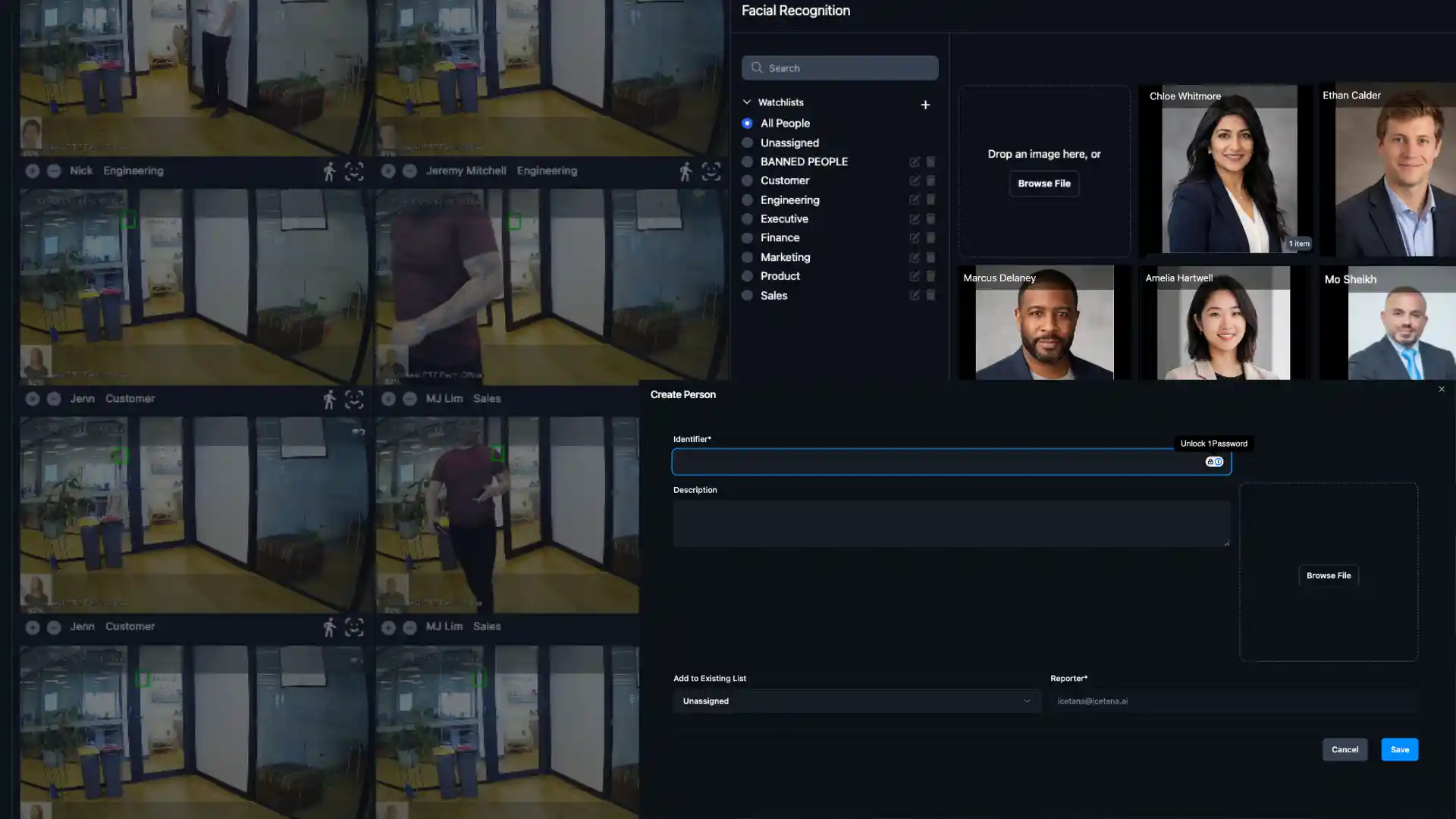
Identify individuals instantly with facial recognition.
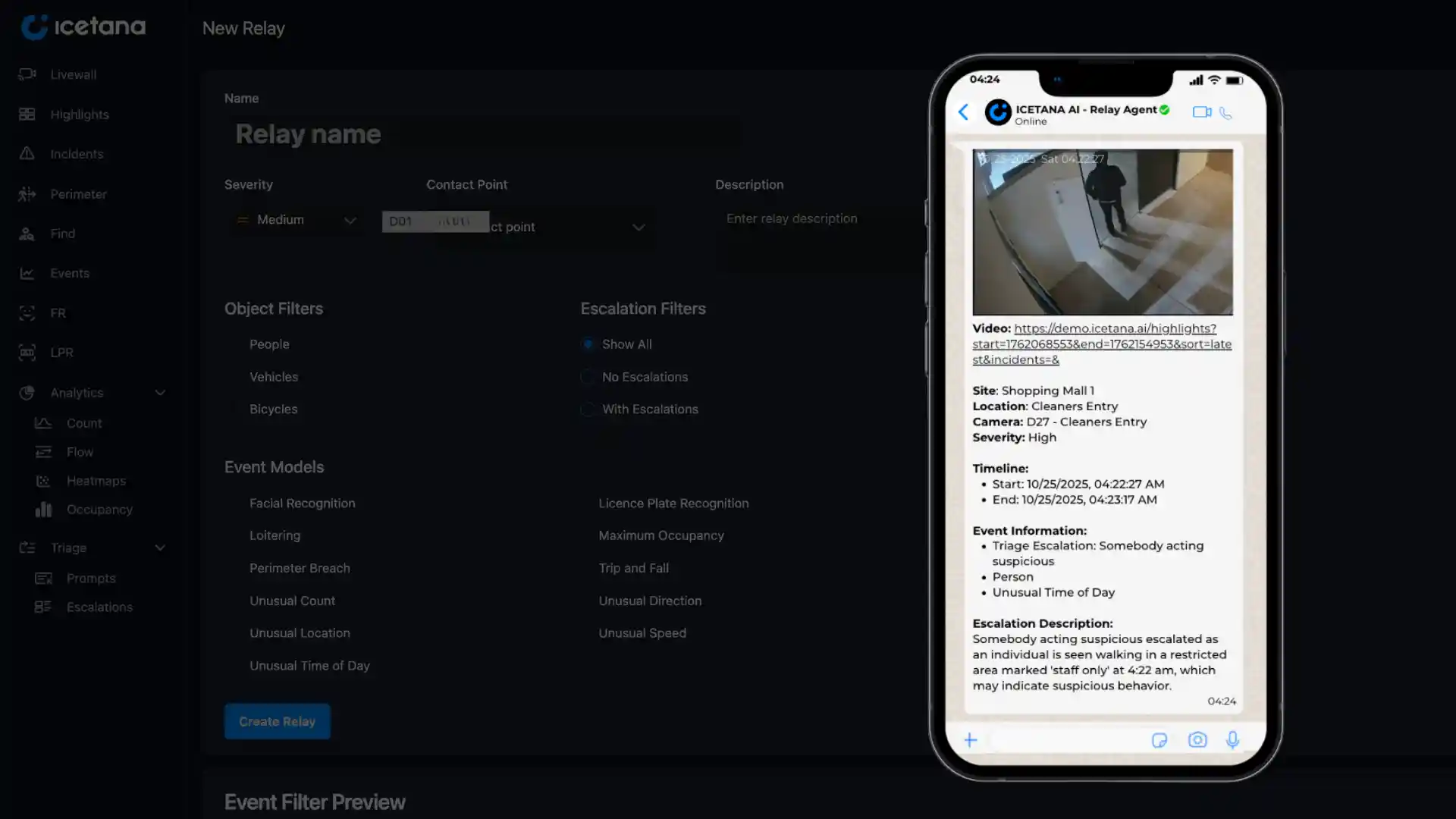
Route real time event notifications directly to the communication platforms your team already uses.
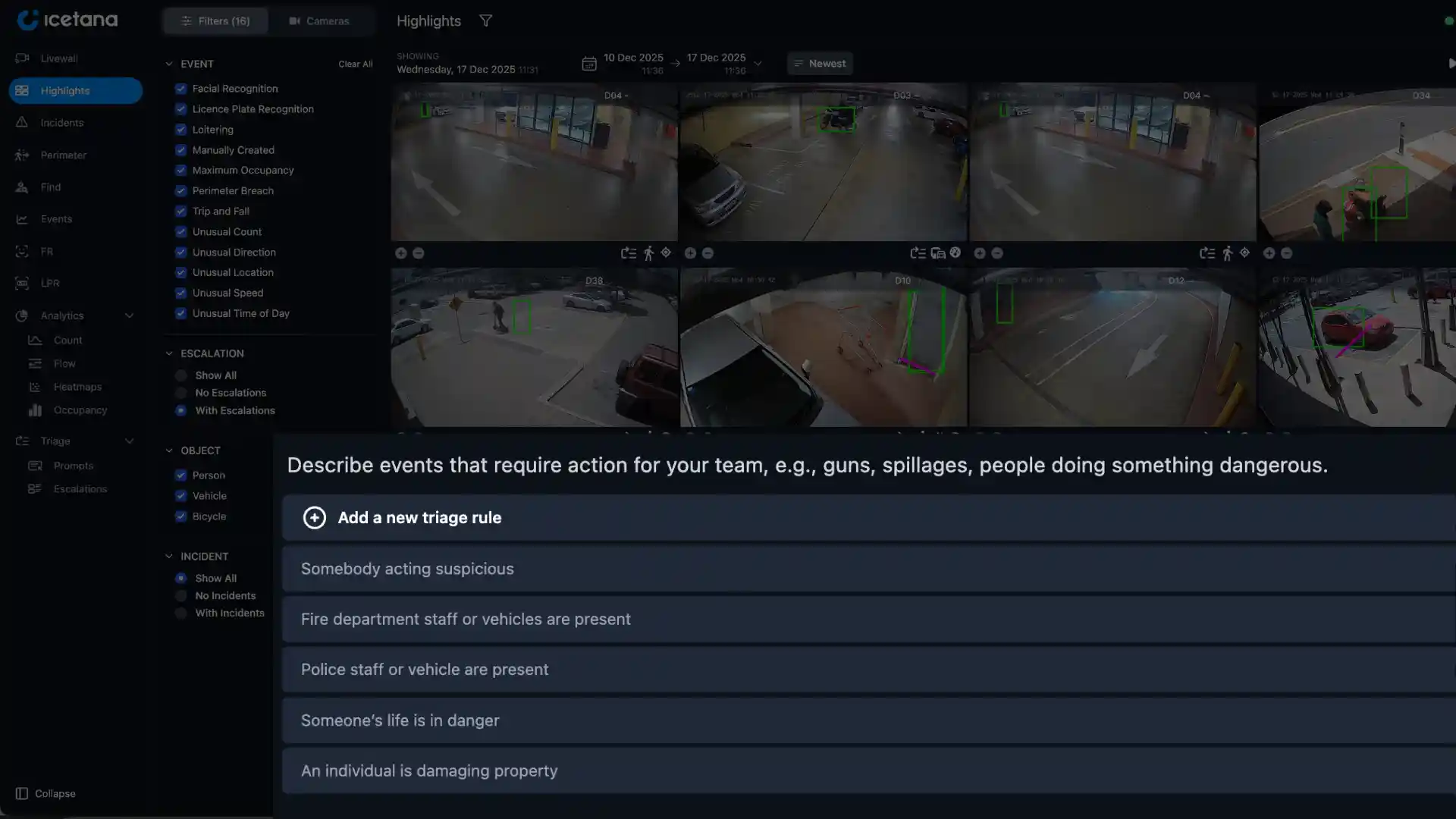
Get notified only about what truly matters to you.
Detect the specific events you choose.
FAQs
Software that takes one job off a person and does it around the clock: finding the events you choose, deciding which need attention or getting them to the right team. Each icetana AI agent does one of those jobs.
Watch finds the events you name, such as a liquid spill or a weapon in a foyer. Triage reviews Safety & Security events against your criteria and escalates the ones that need an operator. Relay sends events through webhooks so people away from the Livewall can act.
Yes. Run one, two or all three. Every agent shows its events on the same Livewall as Safety & Security.
Triage works on Safety & Security events and escalates the most critical ones. Watch doesn't need a Safety & Security event and detects any event you specify across your cameras.
Yes. icetana AI integrates with Genetec, Milestone and Nx Witness, and the agents run on your existing cameras. See the Genetec integration
No. The agents run on your existing cameras and VMS, and you define events for your own site's risks.
No. They change how many cameras each operator can cover. With Triage, one operator can monitor up to 2,000 cameras. Decisions stay with your operators.
Yes, when they run on Antara Core. A cloud AI model needs outbound internet access, and the frames it processes leave your site. Learn about Antara Core
Relay sends events in real time through webhooks, with the event type, object, camera and severity attached. You can route different severities to different teams. Webhooks are optional and set up by you, and events sent through them leave your site.

